How does teim create meeting minutes automatically?
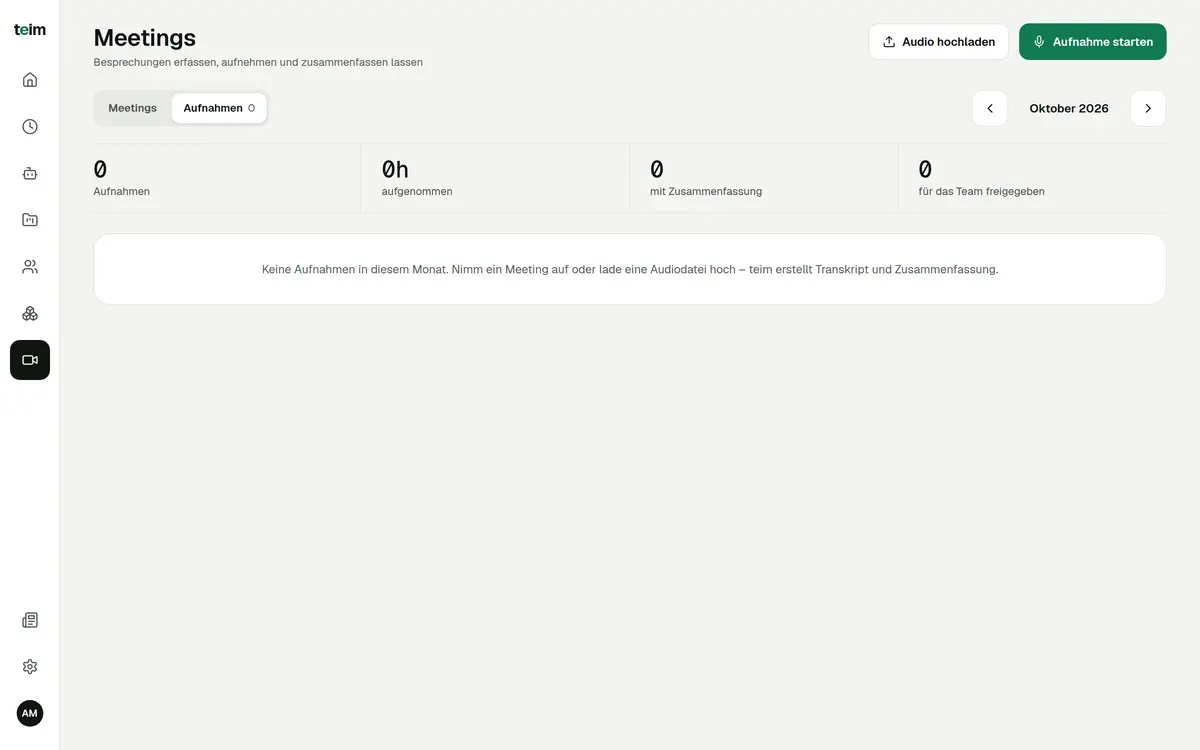
You record the meeting in the browser or upload an audio file. A GDPR-compliant AI turns it into a transcript and minutes with summary, decisions and action items.
Meeting transcription
Automatic meeting minutes with teim: it transcribes recordings of up to 2 hours and separates the speakers. The result is a set of minutes with summary, decisions and action items, including owner and due date, as a PDF. A GDPR-compliant AI does the processing.
Free until 31 January 2027 · then CHF 5.00 per company + CHF 3.00 per person per month · hosted in Switzerland
teim is Swiss software for time tracking, project management, expenses and absences for SMEs with 5 to 200 employees.
Last updated: 15 October 2026
How it works
Let everyone present know, then start recording in the browser. Or upload an existing audio file.
teim creates the transcript and the minutes. Give the detected speakers their names and read through the summary.
Download the minutes as a PDF. From the supervisor role up, the action items become a project.
Features
Record right in teim, no extra software.
MP3, M4A, WAV, WebM or OGG up to 100 MB.
Per recording, even for long workshops.
Who said what, with names you choose.
A dedicated section in the minutes.
With owner and due date.
Summary, decisions, action items.
Via the AI assistant, for supervisors and up.
FAQ
You record the meeting in the browser or upload an audio file. A GDPR-compliant AI turns it into a transcript and minutes with summary, decisions and action items.
Up to 2 hours per recording. Uploaded files can be up to 100 MB.
Yes, the transcript separates the speakers. You can then give each speaker a name.
Tell everyone present before you start and get their consent. teim reminds you of this when recording. This is general guidance, not legal advice.
Yes, from the supervisor role up. The AI assistant prepares a project from the action items in the minutes, and you confirm it with one click.
Meeting transcription is included in the price of CHF 5.00 per company and CHF 3.00 per user per month. All other modules are included too. See pricing
Free for everyone until 31 January 2027. No credit card required.